

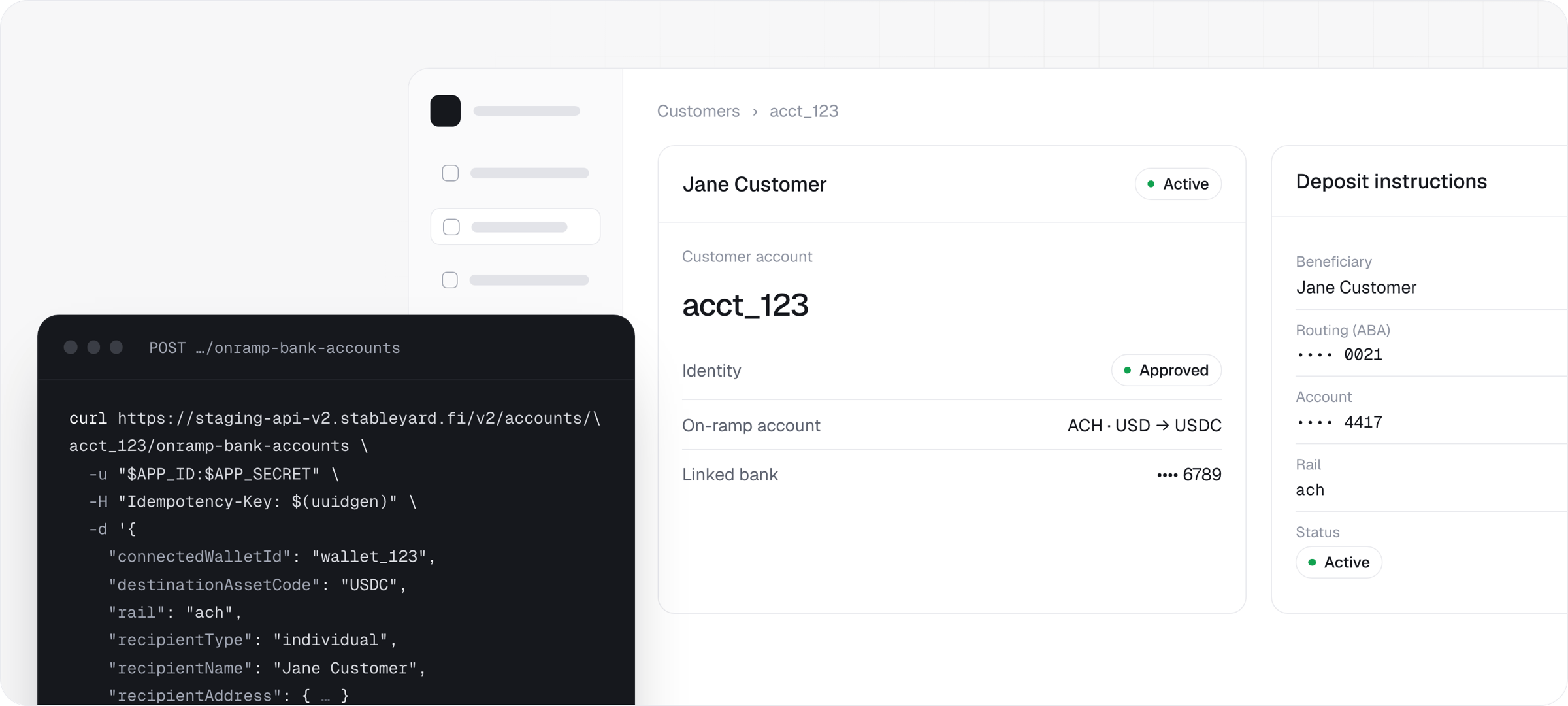
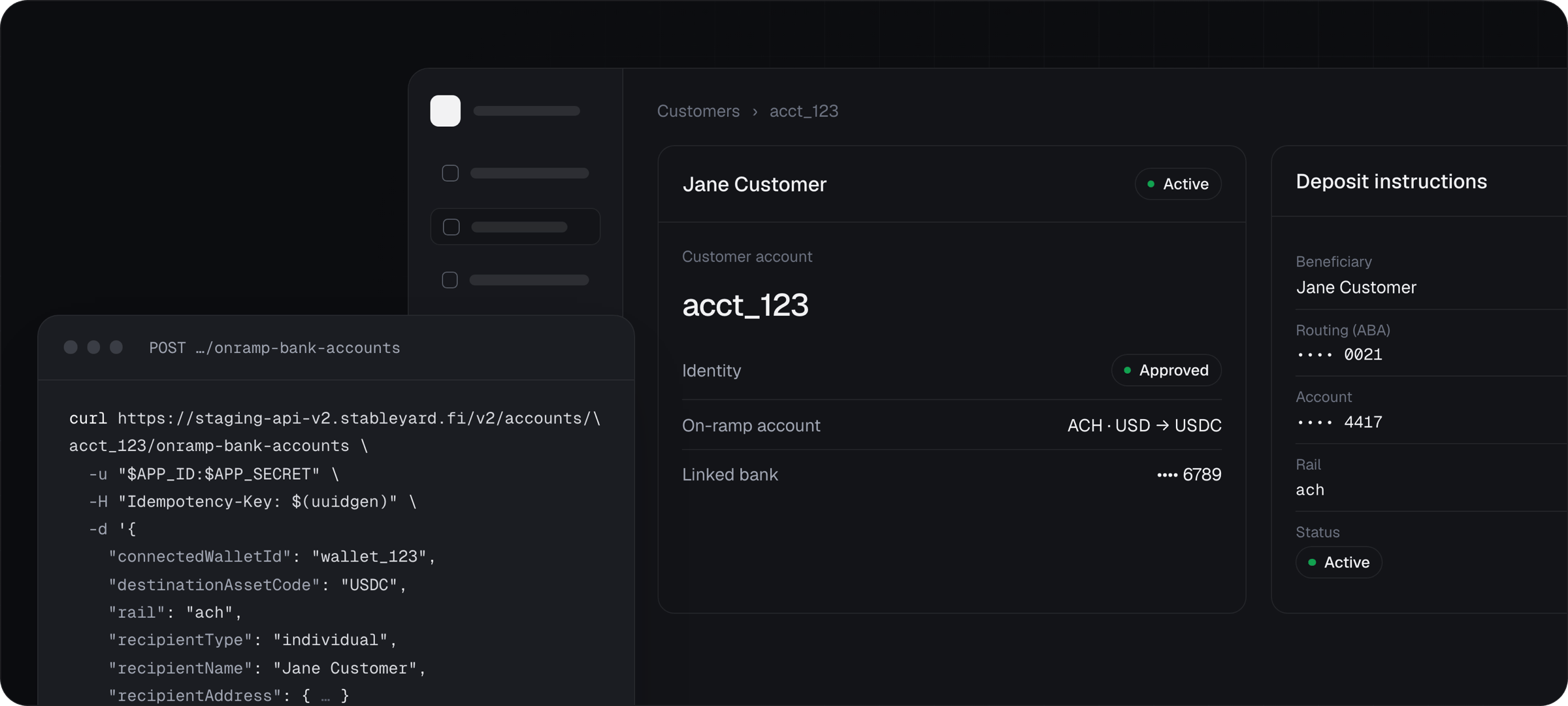
One account per customer carries everything
You create one account per customer withPOST /v2/accounts, keyed by your own externalUserId. Stableyard calls it a Universal Payment Account, or UPA. Everything else attaches to it.
Value rests in the customer’s wallet
Stableyard moves value, verifies it and records it. It does not hold a spendable balance for the account.- Fiat in arrives as stablecoin. Every transfer to an on-ramp account is converted and delivered to the wallet fixed when the account was issued. There is no settlement step to call.
- Fiat out is a payment funded from a wallet. The wallet sends the exact quoted amount to the payment’s escrow; Stableyard verifies it, takes the fees and forwards the rest to a banking partner.
- Stableyard never signs for a connected wallet. Whoever controls it signs: your customer, or your platform if you provide the wallet.
- Balances are reporting.
GET /v2/accounts/{accountId}/balancesreturnscustodyScope: "not_a_custody_balance". Never authorize a payout against it. See Transactions.
What you build and what Stableyard provides
Stableyard switches some things on for you
Stablecoin movement needs only your app’s product access, and no verification. Fiat needs more, and none of it is self-serve:- Your organization’s KYB. Until it is approved, no fiat product works for you or any of your accounts. Read it from
compliance.partnerKyb.statusinGET /v2/partners/config. - The products and rails. Identity & KYC, the on-ramp and the bank rails are enabled per app, per environment, per country and per rail.
- Policies. Business verification, and whether you may assert an email you already verified.
What your customers see
Your product, mostly. A few steps run on pages and emails you do not control.
Every surface, and what you can change on each, is on Branding and your frontend.
Where to start
Choose your pattern
Embedded ramps, business customers or crypto-only, with the gates for each.
Quickstart
Eight steps on staging, from a new account to a payout to the customer’s own bank.
Branding and your frontend
What carries your brand, what carries Stableyard’s, and what runs in your browser.
Going live
What Stableyard enables, and what changes between staging and production.