> ## Documentation Index
> Fetch the complete documentation index at: https://docs.stableyard.fi/llms.txt
> Use this file to discover all available pages before exploring further.
# Payments
> Move money into and out of an account with one Payment resource, from preview to a verified result.
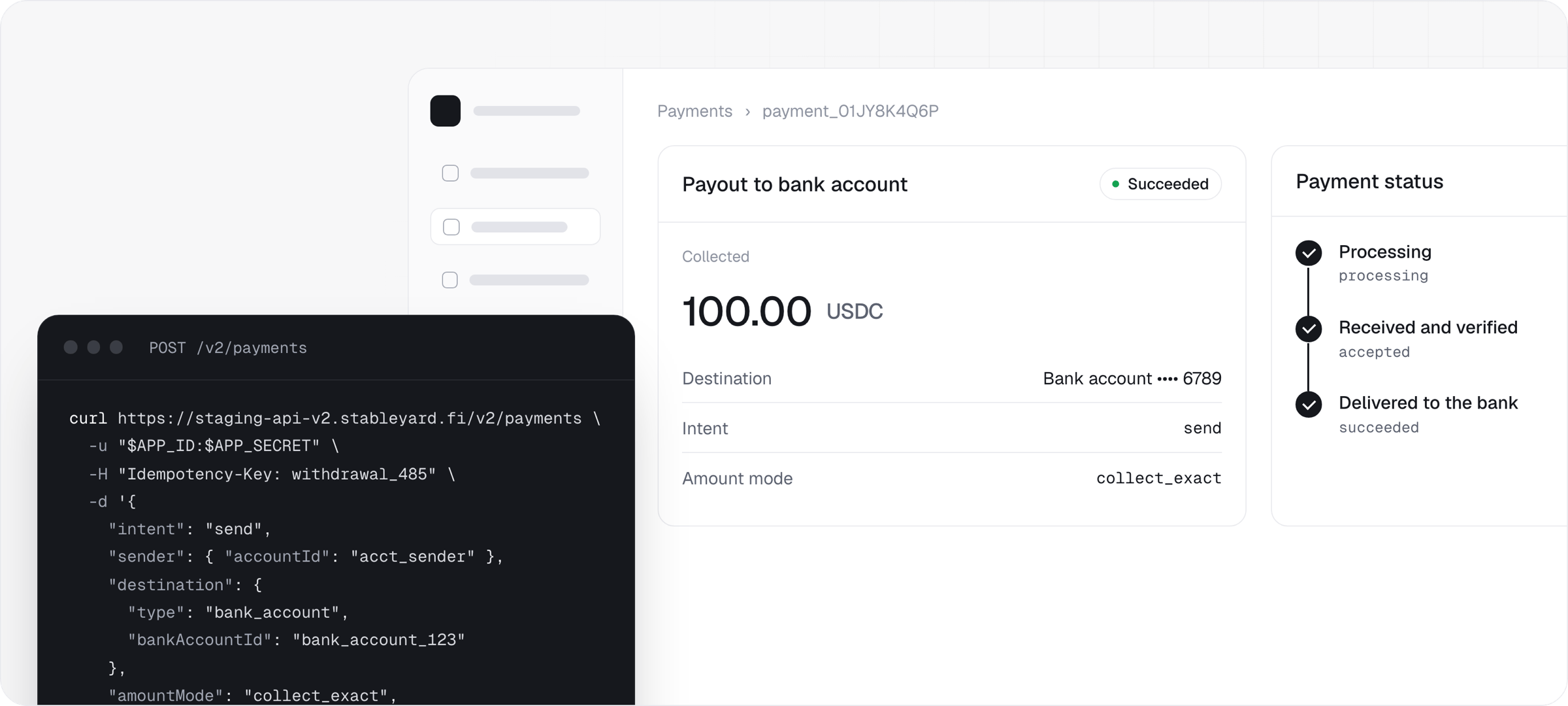
 A payment is one bounded movement of value with a fixed amount, an expiry and a final result, and it keeps one `payment_` identifier from the first call to the last webhook. There is no separate transfers, payouts, withdrawals or conversion API: you state who pays whom and how much, and Stableyard selects the rail and reports one outcome.
## Every integration runs four steps
`POST /v2/payments/preview` resolves the sender, the destination, the fees and the funding options without creating anything. Proceed only when the source you intend to use reports `available: true`. Receive payments do not need a preview.
`POST /v2/payments`, with an `Idempotency-Key`. The terms below are frozen together at this moment.
A receive payment waits for the payer to select an option and fund it. A send payment draws on the account's payment source and is confirmed with `POST /v2/payments/{paymentId}/confirm`. `nextAction` on the create response names which applies.
Value is credited on independently verified receipt, never because a provider or a payer reported success. A webhook says something changed; `GET /v2/payments/{paymentId}` says what is true.
```bash theme={null}
curl -X POST https://staging-api-v2.stableyard.fi/v2/payments \
-u "$APP_ID:$APP_SECRET" \
-H "Idempotency-Key: $(uuidgen)" \
-H "Content-Type: application/json" \
-d '{
"intent": "receive",
"recipient": { "accountId": "acct_123" },
"paymentAmount": { "amount": "25.00", "assetCode": "USDC", "chainId": 42161 },
"externalReference": "order_1042",
"expiresInSeconds": 600
}'
```
The recipient is an account, not an address, so a merchant's wallet or bank details never appear in the request.
## Creation freezes the terms
| Field | What it fixes |
| - | - |
| `intent` | `receive` deposits funds into an account; `send` sends a payment out of one. It never changes |
| `amountMode` | `collect_exact` fixes what is collected. `deliver_exact` fixes what the recipient gets |
| `paymentAmount` | One asset and one amount, as `amount`, `amountAtomic`, `assetType`, `assetCode`, `decimals`, and `chainId` with `tokenAddress` for a token |
| `destination` | The resolved counterparty |
| `settlement` | Where a receive payment lands |
| `fees` | The commercial fee terms. `platformFeeBps` and `partnerFeeBps` are always present; exact amounts and `merchantNetAmountAtomic` appear once `pricingStatus` is `quoted` |
| `expiresAt` | When the funding window closes. Set `expiresInSeconds` from 60 to 86400; the default is 600 |
## Pick the route
| Route | Direction | How it is set up | Guide |
| - | - | - | - |
| Stablecoin into a payment | In | A receive payment returns the exact deposit the payer must make | [Depositing funds](/payments/depositing-funds#build-your-own-checkout) |
| Local currency at the moment of payment | In | A fiat method selected on a receive payment | [On-ramps](/payments/on-ramps) |
| Bank transfer to details in your customer's name | In | An `OnrampBankAccount`, issued once and reused | [On-ramp accounts](/concepts/on-ramp-accounts) |
| A reusable deposit address | In | A `DepositAddress`, with no amount and no expiry | [Depositing funds](/payments/depositing-funds#give-a-returning-customer-a-deposit-address) |
| Stablecoin to a wallet, an account or a handle | Out | A send payment with a crypto destination | [Stablecoin transfers](/payments/stablecoin-transfers) |
| Local currency to a bank account or a local merchant | Out | A send payment with a fiat destination | [Off-ramps](/payments/off-ramps) |
Conversion is not a route: where the payer holds one asset and the recipient is owed another, it is selected inside the payment and settles there. Stablecoin movement is broadly available. Fiat collection and payout are enabled per market, per app and per credential, and `GET /v2/partners/config` is the only accurate runtime answer. [View supported regions and currencies →](/supported-regions-and-currencies)
## Reconcile from the payment and its ledger rows
Every leg of a payment is written as a `Transaction` against an account, readable at `GET /v2/accounts/{accountId}/transactions`. Each row carries `paymentId` and a `financialLegKind` of `collection`, `send_execution`, `settlement`, `fee_payout`, `refund` or `adjustment`, which ties a settlement and its fee payout back to the payment that produced them.
Reconciliation is one loop: verify the signature, discard a duplicate delivery, then read the payment. On a send, `sourceAmount` is the total debit, with fees added on top of what the recipient receives. Store your own reference alongside the `payment_` id on the record you create, because that pairing cannot be added later.
One account and one funded payment, end to end.
Payment status, operational state, and which values are terminal.
The `payment.*` events and how to verify a delivery.
Why a timed-out create is safe to retry.
This documentation is built and hosted on [Mintlify](https://mintlify.com), a developer documentation platform.
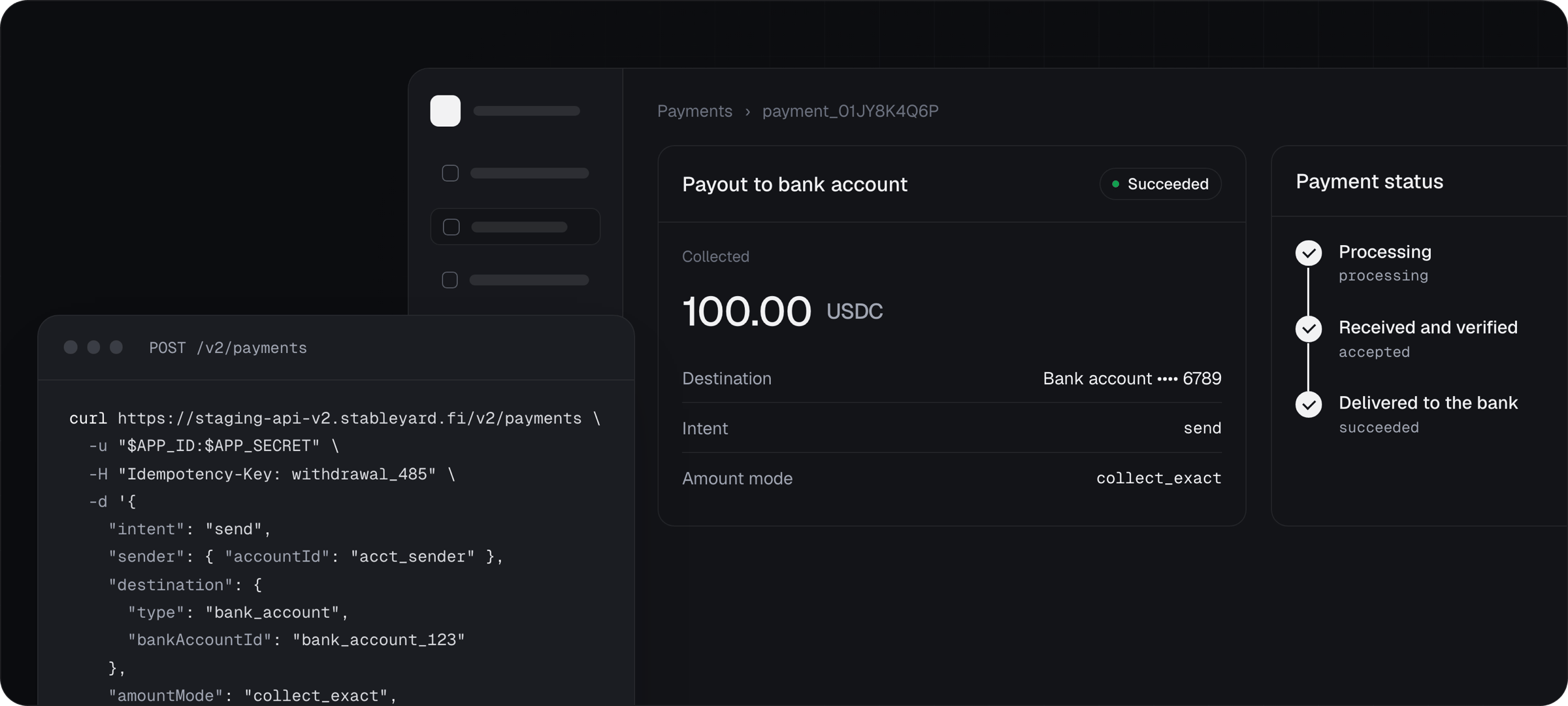
A payment is one bounded movement of value with a fixed amount, an expiry and a final result, and it keeps one `payment_` identifier from the first call to the last webhook. There is no separate transfers, payouts, withdrawals or conversion API: you state who pays whom and how much, and Stableyard selects the rail and reports one outcome.
## Every integration runs four steps
`POST /v2/payments/preview` resolves the sender, the destination, the fees and the funding options without creating anything. Proceed only when the source you intend to use reports `available: true`. Receive payments do not need a preview.
`POST /v2/payments`, with an `Idempotency-Key`. The terms below are frozen together at this moment.
A receive payment waits for the payer to select an option and fund it. A send payment draws on the account's payment source and is confirmed with `POST /v2/payments/{paymentId}/confirm`. `nextAction` on the create response names which applies.
Value is credited on independently verified receipt, never because a provider or a payer reported success. A webhook says something changed; `GET /v2/payments/{paymentId}` says what is true.
```bash theme={null}
curl -X POST https://staging-api-v2.stableyard.fi/v2/payments \
-u "$APP_ID:$APP_SECRET" \
-H "Idempotency-Key: $(uuidgen)" \
-H "Content-Type: application/json" \
-d '{
"intent": "receive",
"recipient": { "accountId": "acct_123" },
"paymentAmount": { "amount": "25.00", "assetCode": "USDC", "chainId": 42161 },
"externalReference": "order_1042",
"expiresInSeconds": 600
}'
```
The recipient is an account, not an address, so a merchant's wallet or bank details never appear in the request.
## Creation freezes the terms
| Field | What it fixes |
| - | - |
| `intent` | `receive` deposits funds into an account; `send` sends a payment out of one. It never changes |
| `amountMode` | `collect_exact` fixes what is collected. `deliver_exact` fixes what the recipient gets |
| `paymentAmount` | One asset and one amount, as `amount`, `amountAtomic`, `assetType`, `assetCode`, `decimals`, and `chainId` with `tokenAddress` for a token |
| `destination` | The resolved counterparty |
| `settlement` | Where a receive payment lands |
| `fees` | The commercial fee terms. `platformFeeBps` and `partnerFeeBps` are always present; exact amounts and `merchantNetAmountAtomic` appear once `pricingStatus` is `quoted` |
| `expiresAt` | When the funding window closes. Set `expiresInSeconds` from 60 to 86400; the default is 600 |
## Pick the route
| Route | Direction | How it is set up | Guide |
| - | - | - | - |
| Stablecoin into a payment | In | A receive payment returns the exact deposit the payer must make | [Depositing funds](/payments/depositing-funds#build-your-own-checkout) |
| Local currency at the moment of payment | In | A fiat method selected on a receive payment | [On-ramps](/payments/on-ramps) |
| Bank transfer to details in your customer's name | In | An `OnrampBankAccount`, issued once and reused | [On-ramp accounts](/concepts/on-ramp-accounts) |
| A reusable deposit address | In | A `DepositAddress`, with no amount and no expiry | [Depositing funds](/payments/depositing-funds#give-a-returning-customer-a-deposit-address) |
| Stablecoin to a wallet, an account or a handle | Out | A send payment with a crypto destination | [Stablecoin transfers](/payments/stablecoin-transfers) |
| Local currency to a bank account or a local merchant | Out | A send payment with a fiat destination | [Off-ramps](/payments/off-ramps) |
Conversion is not a route: where the payer holds one asset and the recipient is owed another, it is selected inside the payment and settles there. Stablecoin movement is broadly available. Fiat collection and payout are enabled per market, per app and per credential, and `GET /v2/partners/config` is the only accurate runtime answer. [View supported regions and currencies →](/supported-regions-and-currencies)
## Reconcile from the payment and its ledger rows
Every leg of a payment is written as a `Transaction` against an account, readable at `GET /v2/accounts/{accountId}/transactions`. Each row carries `paymentId` and a `financialLegKind` of `collection`, `send_execution`, `settlement`, `fee_payout`, `refund` or `adjustment`, which ties a settlement and its fee payout back to the payment that produced them.
Reconciliation is one loop: verify the signature, discard a duplicate delivery, then read the payment. On a send, `sourceAmount` is the total debit, with fees added on top of what the recipient receives. Store your own reference alongside the `payment_` id on the record you create, because that pairing cannot be added later.
One account and one funded payment, end to end.
Payment status, operational state, and which values are terminal.
The `payment.*` events and how to verify a delivery.
Why a timed-out create is safe to retry.
This documentation is built and hosted on [Mintlify](https://mintlify.com), a developer documentation platform.